
File Managers


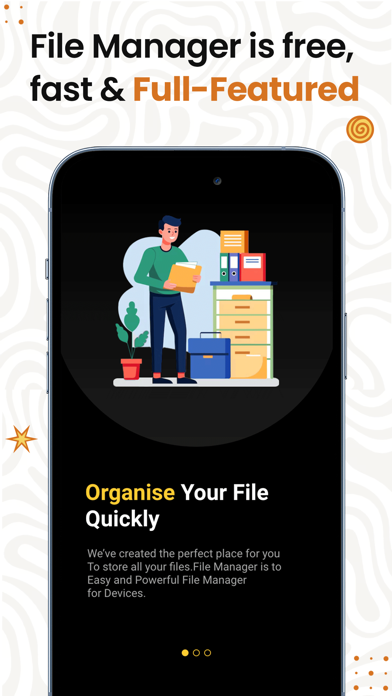
Read our comprehensive review of the File Managers app for iOS. Discover how this utility simplifies local, cloud, and network file organization.
The Ultimate iOS Hub for Your Digital Assets
Imagine needing to send a critical document to a client while working on your iPad, only to realize the file is buried somewhere between your local storage, Google Drive, and iCloud. Searching through multiple apps to locate, compress, and email a single archive can quickly become a frustrating chore. The File Managers app by Laxay Gajera is designed to solve this exact problem by consolidating your scattered storage spaces into a single, cohesive interface on iOS.
Comprehensive Storage Consolidation
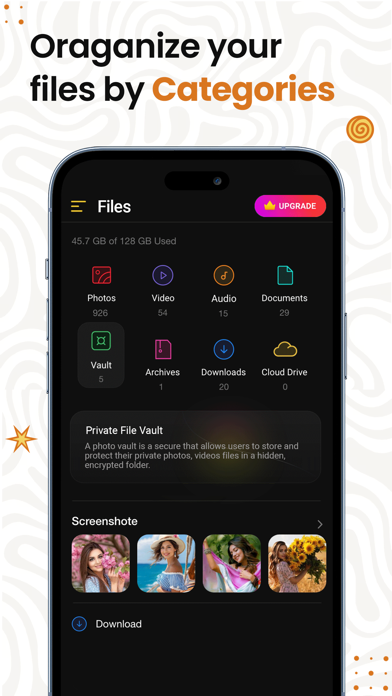
At its core, the File Managers app acts as a central command center for your digital life. Instead of jumping between native storage tools and cloud provider applications, you can manage your files and folders across your local device, network-attached storage (NAS), Google Drive, and iCloud simultaneously. Upon launching the utility, you are greeted with an immediate overview of your storage health, displaying exactly how many files and applications are consuming space on your system.
Advanced File Handling and Batch Operations
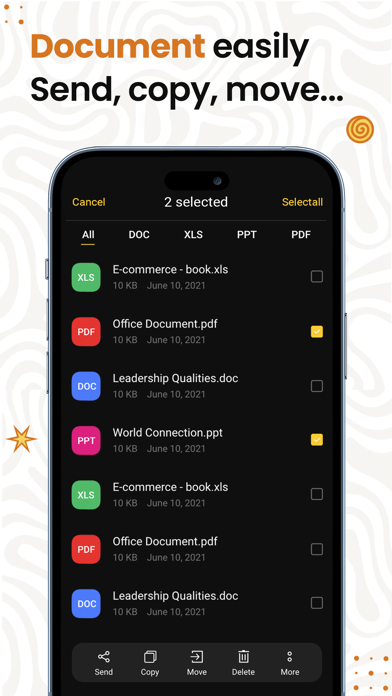
This utility goes far beyond simple directory navigation. It supports a comprehensive suite of file management actions including cutting, copying, pasting, deleting, and renaming. For those dealing with heavy workflows, the app excels with several key features:
- Robust Search Functionality: Locate critical documents in seconds by searching by file name, file type, or date.
- Batch Processing: Save valuable time by selecting multiple files simultaneously to batch rename, move, or delete them in one swift action.
- Archive Management: Effortlessly compress and decompress folders directly on your iOS device to streamline sharing.
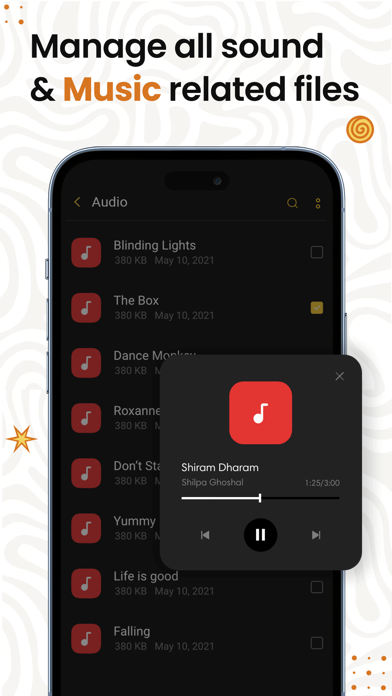
- Media Integration: Built-in previewing tools allow you to view images, play audio files, and manage videos without needing third-party players.
Who Is This File Management Tool For?
Whether you are a professional needing to organize work-related assets across network servers or a casual user trying to clean up duplicate photos and media files, this application adapts to your workflow. The free version offers robust day-to-day utility, while the optional File Manager Pro subscription adds advanced security features like an app passcode and private folders, alongside an ad-free experience.
Get Started with Smarter Organization
If you are ready to move past the limitations of default storage viewers and take control of your digital clutter, this utility is a compelling choice. To explore its features and streamline your workflow, check out the File Managers app on the official iOS App Store today.