
Photo Retouch-Object Removal
Our complete review of Photo Retouch-Object Removal. Discover how this Mac design tool uses AI to erase blemishes, restore old photos, and edit videos.
The Ultimate Solution for Picture-Perfect Visuals
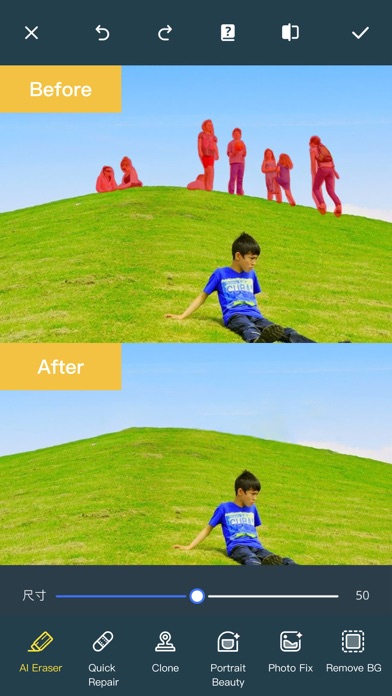
Imagine capturing a breathtaking landscape, only to notice a group of tourists or an unsightly trash can right in the middle of your perfect shot. In the past, correcting these flaws required complex desktop software and advanced editing skills. With Photo Retouch-Object Removal, clutter-free imagery is just a few clicks away on your Mac. Developed by Shenzhen Tushi Technology Co.,Ltd, this design utility offers a seamless way to clean up your photos and videos, making unwanted elements vanish as if they were never there.
Key Features of Photo Retouch-Object Removal
This software is much more than a simple erasing tool; it is a fully featured design suite powered by intelligent processing. Here is what makes Photo Retouch-Object Removal a standout choice for Mac users:
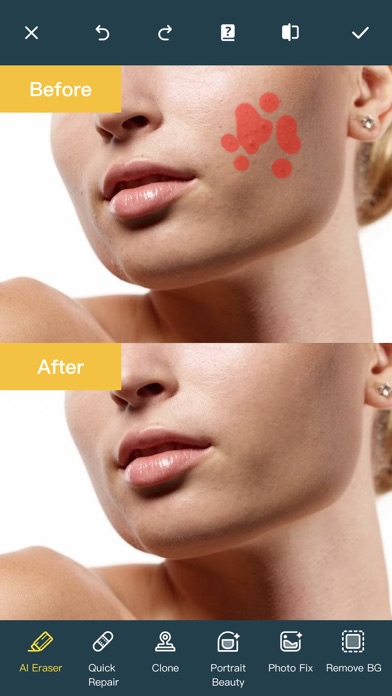
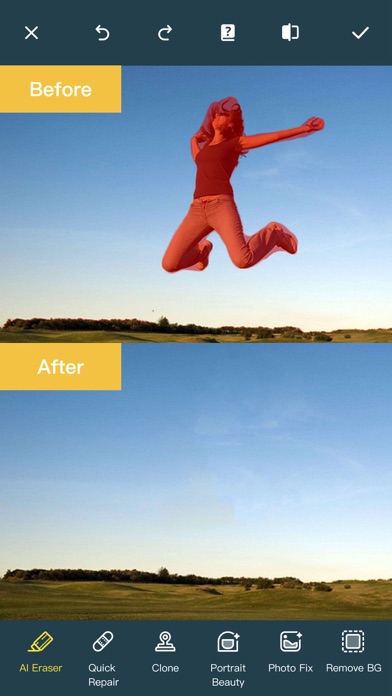
- Effortless Object Erasure: Simply paint over unwanted people, blemishes, or background distractions, and run the erase tool to watch them disappear instantly.
- Advanced AI Editing: Take advantage of cutting-edge tools like AI Expansion to fill in scenes, AI Hairstyle Changer to transform looks, and AI Drawing to turn text or images into artistic creations.
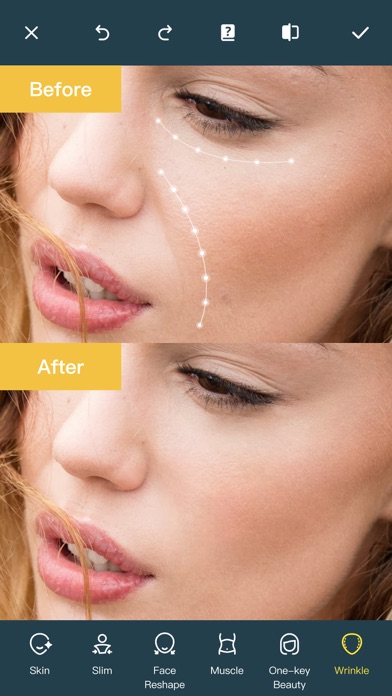
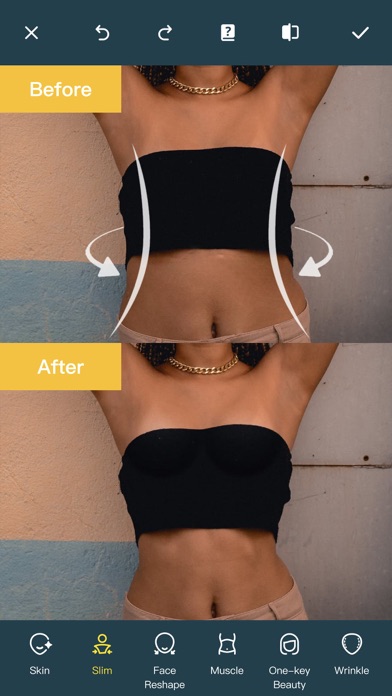
- Comprehensive Portrait & Body Retouching: Fine-tune facial features, adjust skin tones, eliminate acne, and reshape body contours with specialized sliders for eyes, nose, mouth, and skin.
- Old Photo Restoration: Bring vintage memories back to life by repairing clarity, removing scratches, and automatically colorizing black-and-white images.
- Video Retouching Capabilities: Apply track blur or face blur directly to moving subjects within your videos, ensuring privacy and removing distractions on the go.
Who Is This Design App For?
Whether you are a social media enthusiast looking to polish your daily posts, a design student creating a portfolio, or a casual photographer wanting to rescue old family pictures, this application fits the bill. Its intuitive interface ensures that beginners can achieve professional-grade results without a steep learning curve, while the depth of its AI tools provides plenty of utility for creative projects.
Polishing Your Visual Media Effortlessly
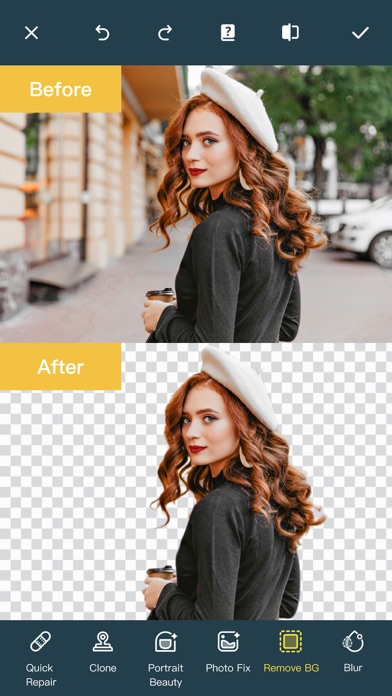
Aside from its core object-removal features, the software includes a robust collage creator, a background remover, and cloud storage backup options to secure your completed projects. It balances simplicity with powerful AI-driven automation, making it a highly versatile addition to your creative toolkit on macOS.
Ready to elevate your digital editing workflow? You can explore the application further and view licensing options by visiting the official Mac App Store page.