PixelStyle Photo Editor
Discover PixelStyle Photo Editor for Mac. Read our in-depth review of this powerful, no-subscription layered graphic design and AI-powered image tool.
A Complete, Subscription-Free Mac Design Suite
Finding a capable, professional-grade image coordinator on macOS without a recurring subscription can be a challenge. PixelStyle Photo Editor for Mac steps into this gap, offering a fully-featured, layer-based creative workspace designed specifically for Apple Silicon. Created by developer 秀英 朱, this application merges classic desktop publishing tools with modern, on-device AI features to deliver an excellent alternative for budget-conscious designers, crafters, and social media managers.
Smart AI Tools for Rapid Workflows
The standout feature of PixelStyle Photo Editor for Mac is its integration of intelligent automation tools. These features dramatically cut down editing times for common, tedious tasks:
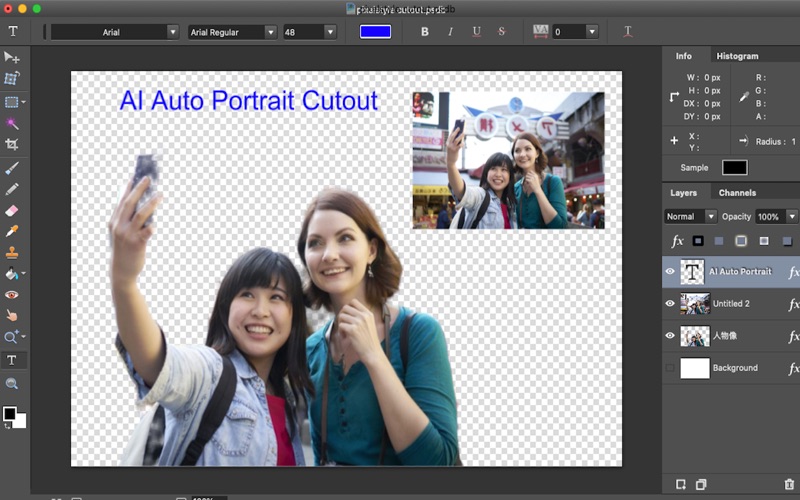
- AI Background Remover: Instantly isolate subjects and strip out backgrounds with a single click—ideal for product photography and portrait cleanups.
- AI 4X Super Resolution: Upscale compressed or small images up to four times their original size without losing clarity or introducing pixelation.
- AI Auto Segmentation: Intelligently detect and select distinct elements within an image for targeted adjustments.
Professional Editing & Layer Controls
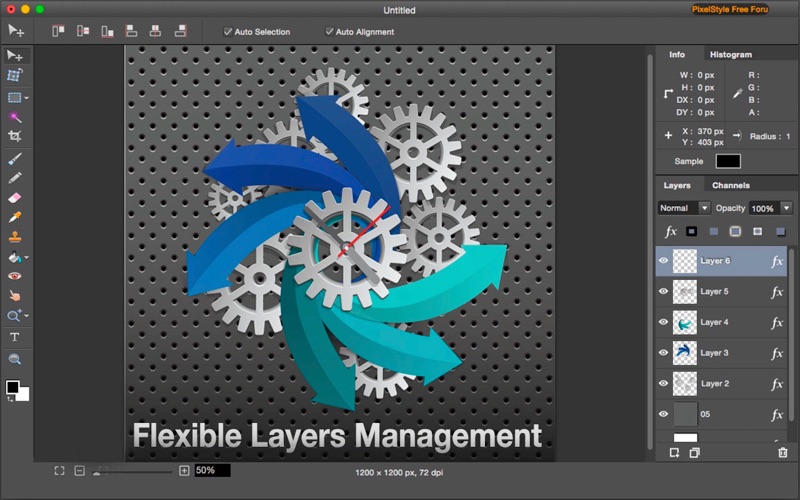
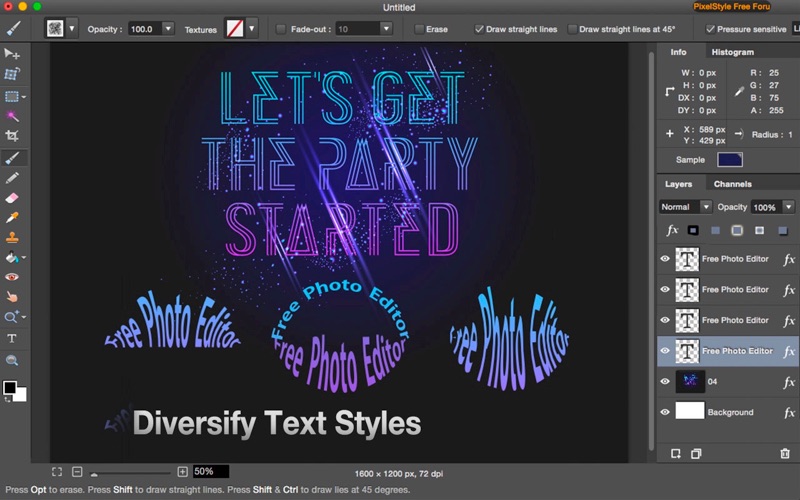
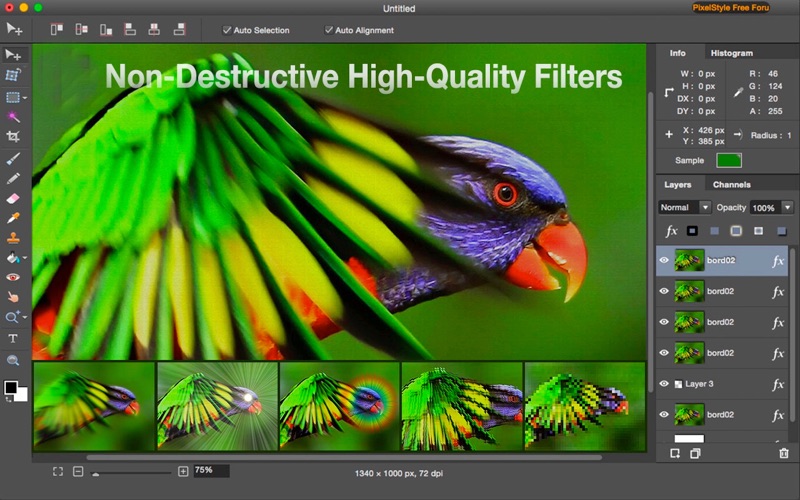
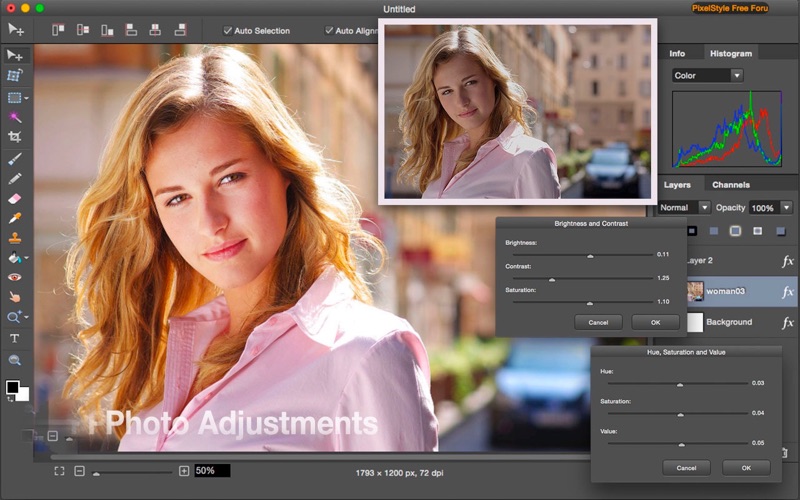
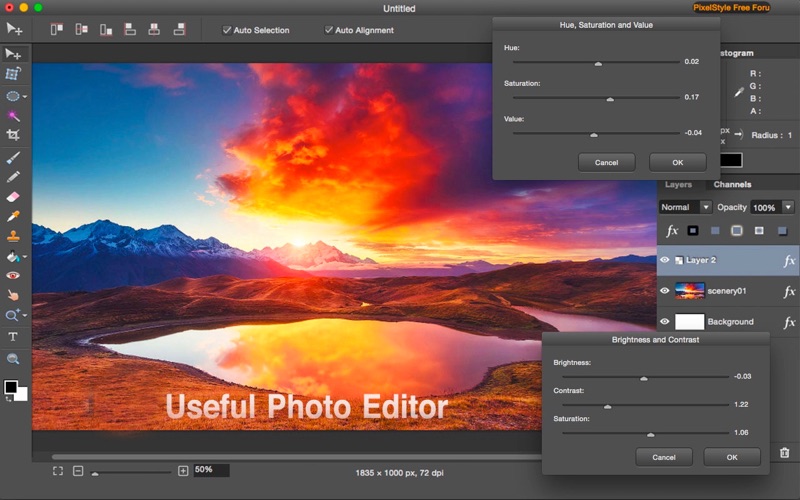
Beyond its automated features, the software provides a robust manual toolkit. Users can work with non-destructive, layer-based editing, adjusting blending modes to compose intricate multi-image layouts. For detailed touch-ups, the platform features over 100 customizable brushes (ranging from realistic watercolors to neon effects), healing brushes, and clone stamps to remove unwanted blemishes. Advanced color grading is supported via Curves, Levels, and comprehensive Color Balance adjustments, ensuring precise control over the final output.
Who Benefits Most from PixelStyle?
The application is highly versatile, but it shines brightest for specific user groups:
- Cricut & Silhouette Crafters: Easily export clean, vector-compatible PDFs and SVGs for physical cutting machines.
- Budget-Conscious Designers: Access advanced typography paths, warp tools, and complex filters without ongoing software licensing fees.
- Privacy-Conscious Users: The app operates entirely locally, requiring no account creation and collecting zero user data.
Furthermore, because the project is open-source, it offers transparency and community-driven reliability that proprietary alternatives rarely match.
Our Verdict
If you are looking to break free from monthly software bills while retaining powerful, non-destructive editing capabilities on macOS, this tool is an exceptional option. It runs natively on M1 through M4 Apple Silicon, ensuring smooth, hardware-accelerated performance.
To try out this versatile, privacy-first creative suite for yourself, head over to the Mac App Store to explore the official listing for PixelStyle Photo Editor for Mac.