

Kodi
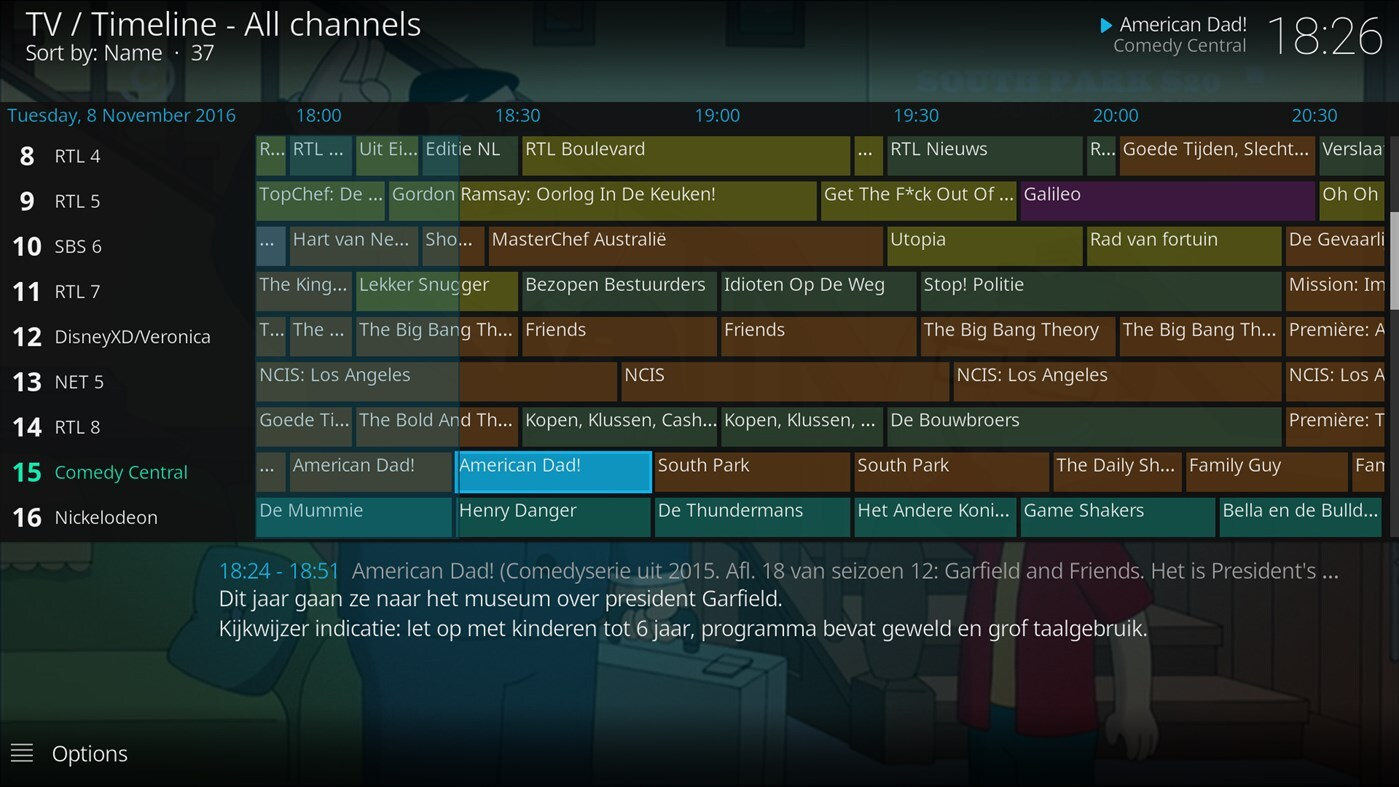
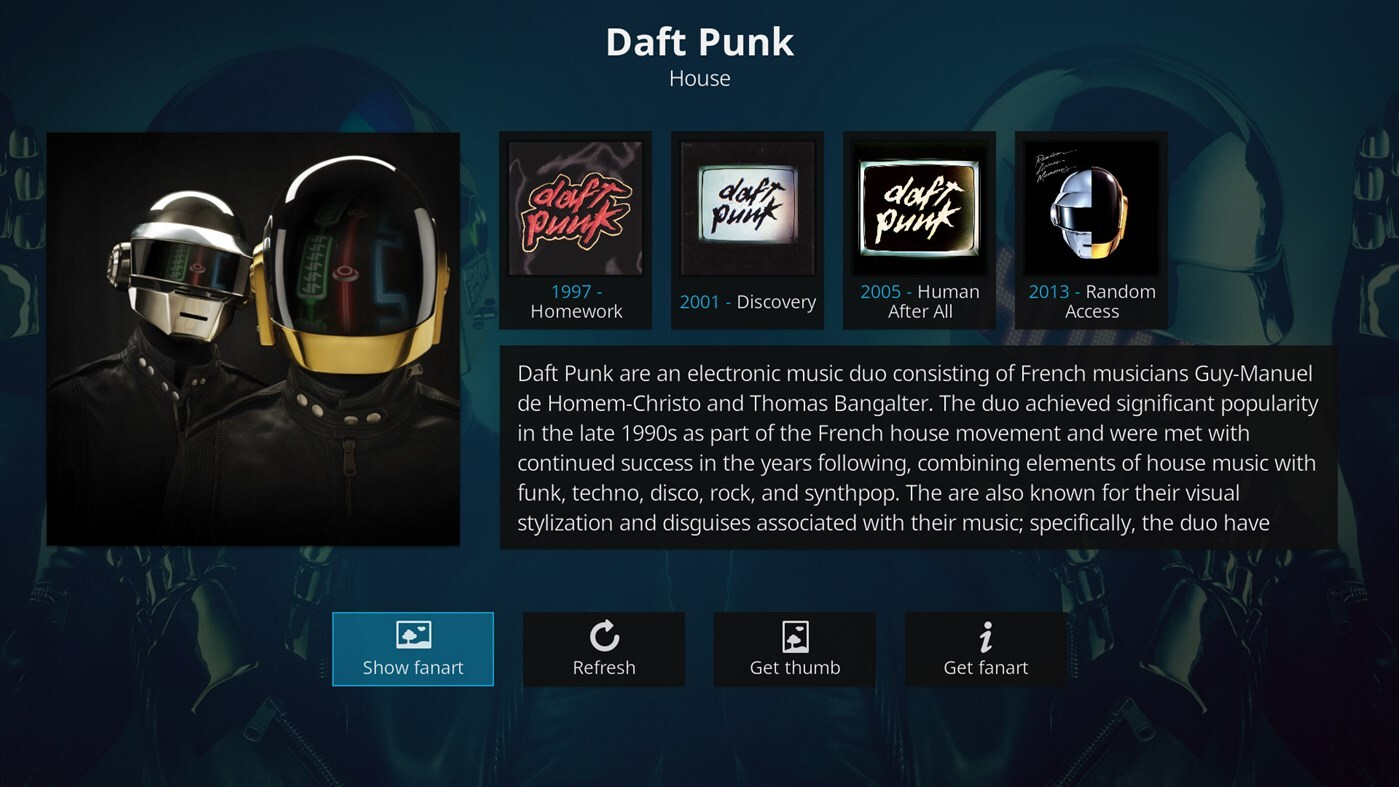
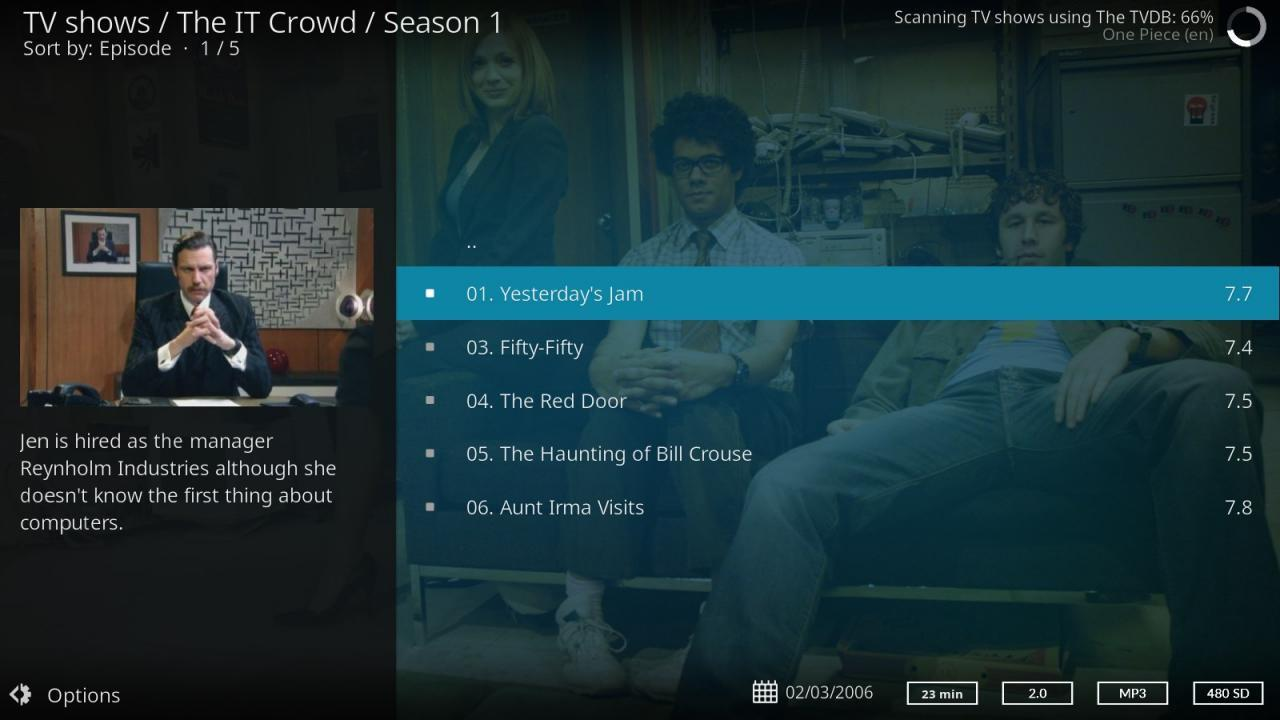
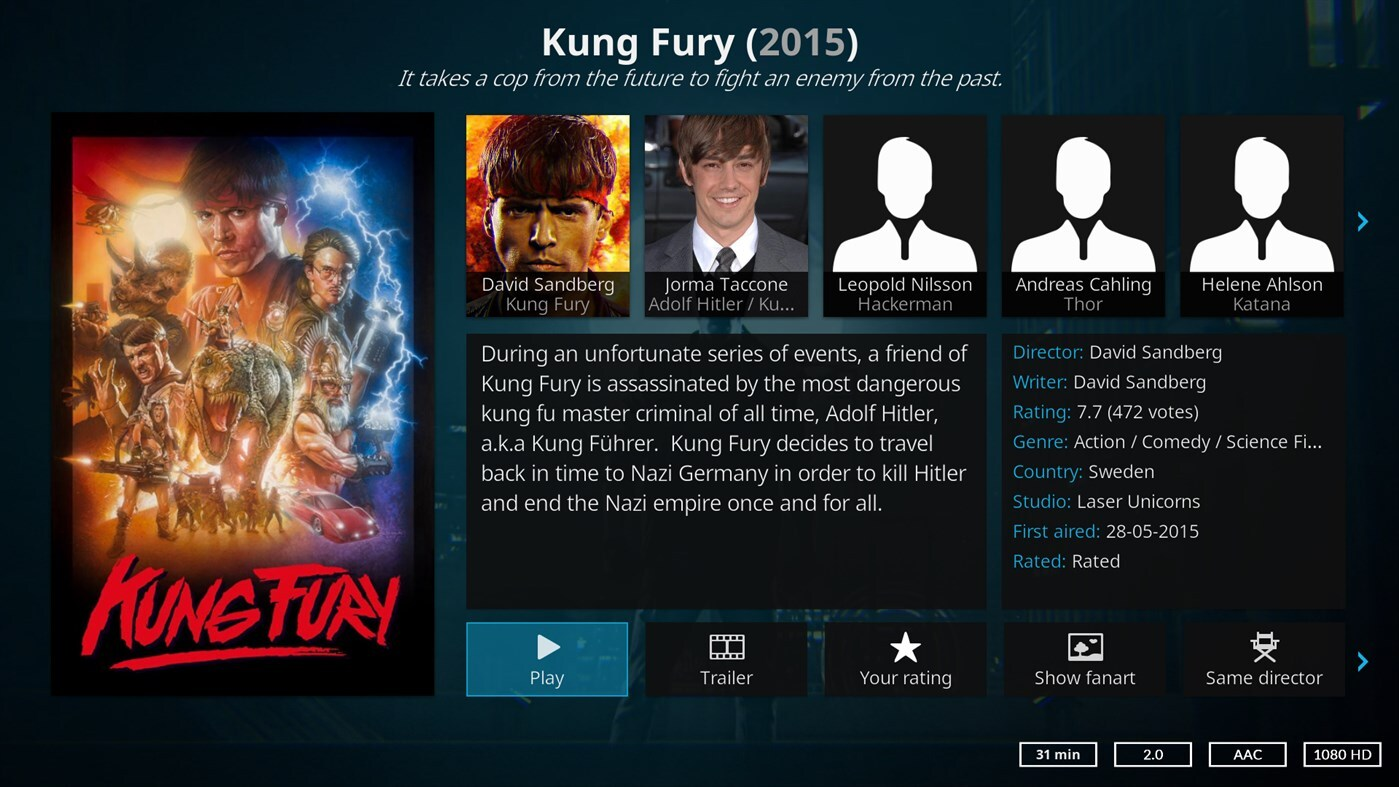
Discover how Kodi transforms your Linux device into a powerful media center. Read our complete review of this ultimate open-source entertainment hub.
Managing scattered digital media across multiple hard drives, network shares, and streaming platforms can quickly turn into a frustrating chore. The Kodi media center solves this modern headache by consolidating your entire entertainment library into a single, cohesive, and visually stunning dashboard.
What is the Kodi Media Center?
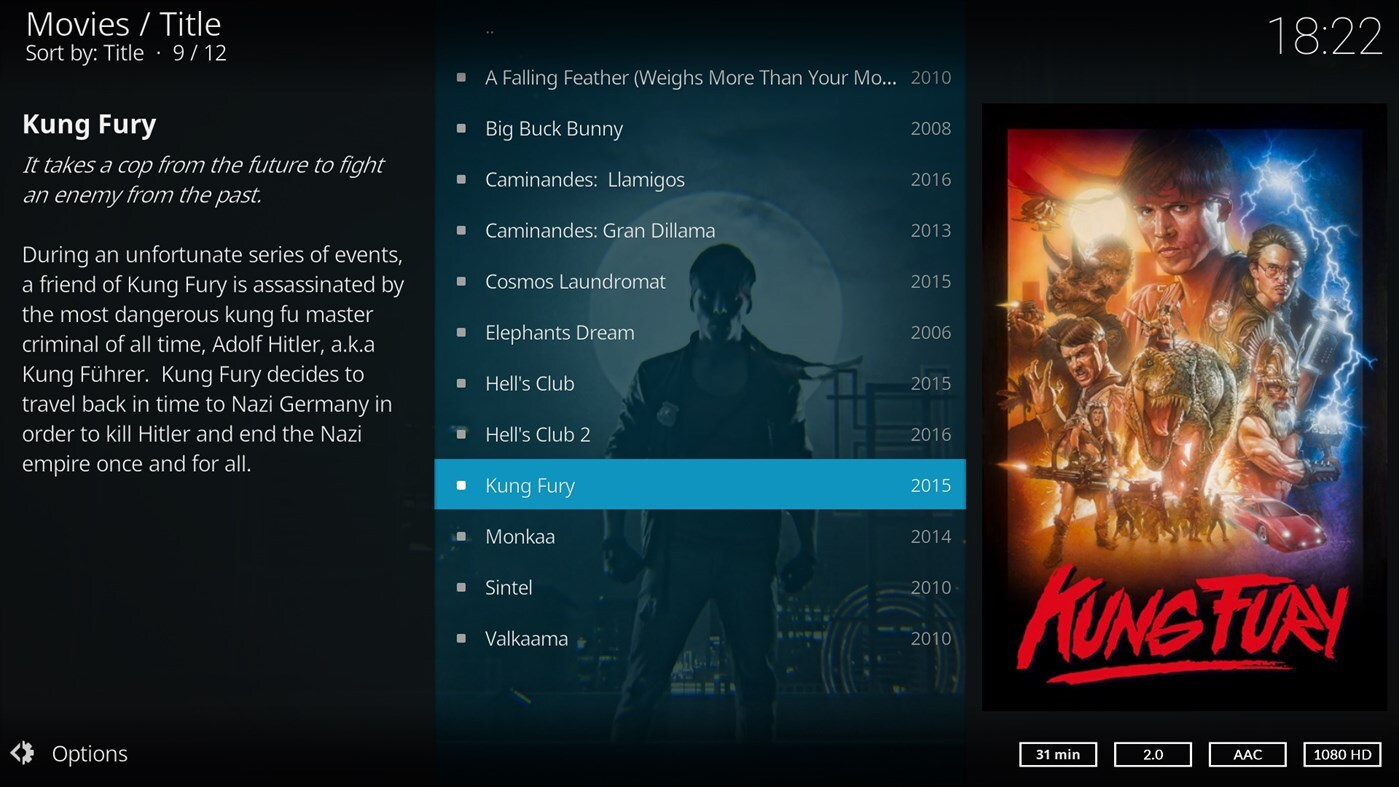
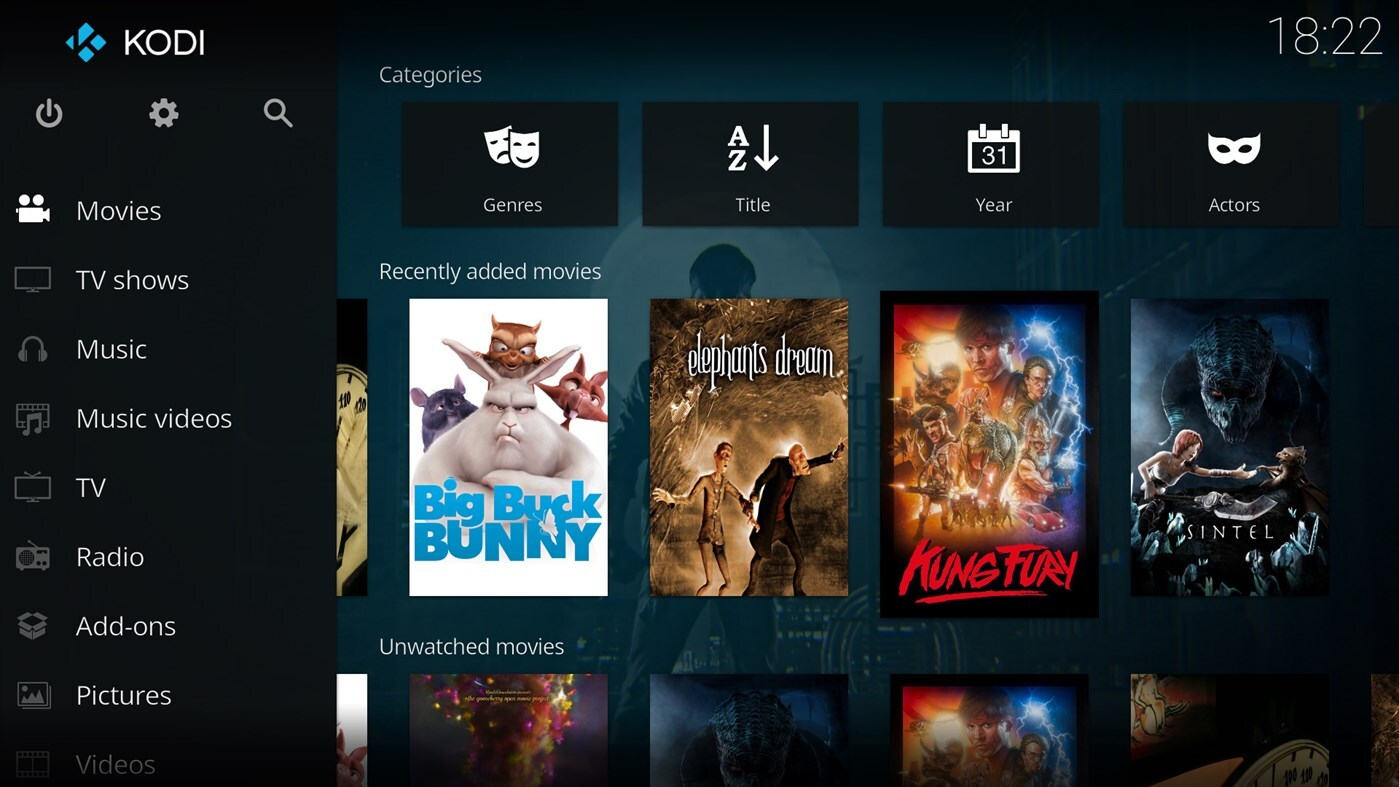
Developed by Team Kodi, this open-source application is designed to act as the central nervous system for your home theater. Optimized specifically for a "10-foot user interface," it is built to be viewed from the comfort of your couch and navigated effortlessly using a television remote control or gamepad. For Linux users seeking a robust, hardware-accelerated media solution, it offers an unparalleled level of customization and performance.
Key Features of the Kodi Media Center
- Unified Media Library: Import and organize your local videos, music, podcasts, and photos alongside network-stored files (via SMB, NFS, or UPnP) and internet streams.
- Optimized TV Interface: The high-contrast, large-font UI is tailored perfectly for big screens, ensuring seamless navigation without needing a keyboard and mouse.
- Highly Customizable: Personalize your setup with custom skins, layouts, and interface tweaks to match your personal aesthetic and media consumption habits.
- Community-Driven Core: Built by a dedicated global team of volunteers, the software remains 100% free, open-source, and continuously updated.
Who is This Entertainment Hub For?
The Kodi media center is ideal for media collectors, home theater enthusiasts, and Linux users who want complete control over how their digital library is presented. Whether you are hosting a movie night from a local server or streaming podcasts directly from the web, this platform bridges the gap between raw files and a premium cinematic experience.
Get Started with Kodi
If you are ready to upgrade your home entertainment setup, you can learn more, view community guides, or find installation instructions for your Linux system by visiting the official Flathub store page today.