

Drum Machine
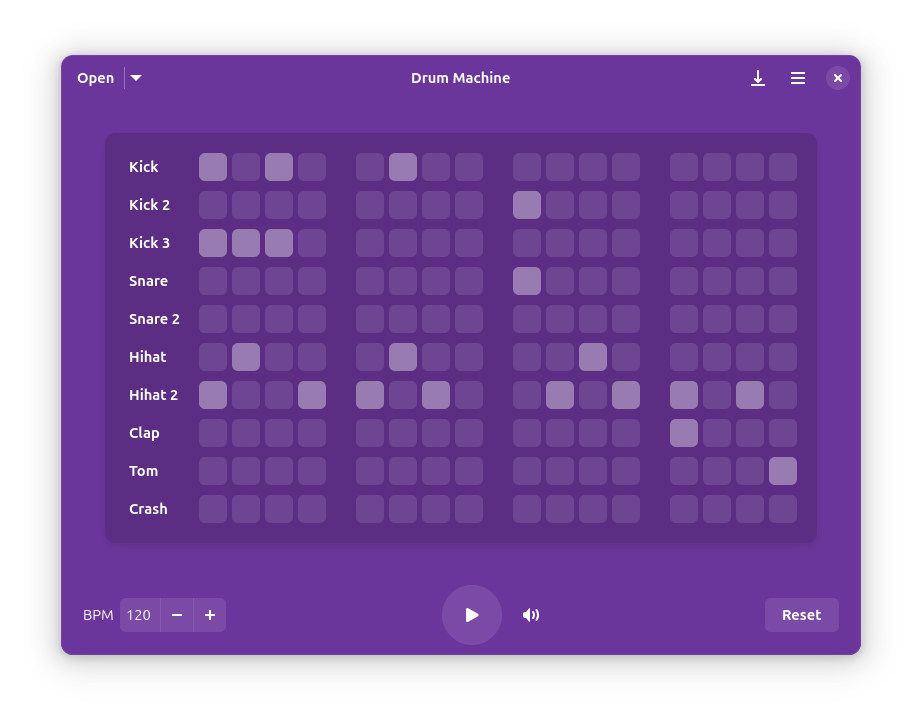
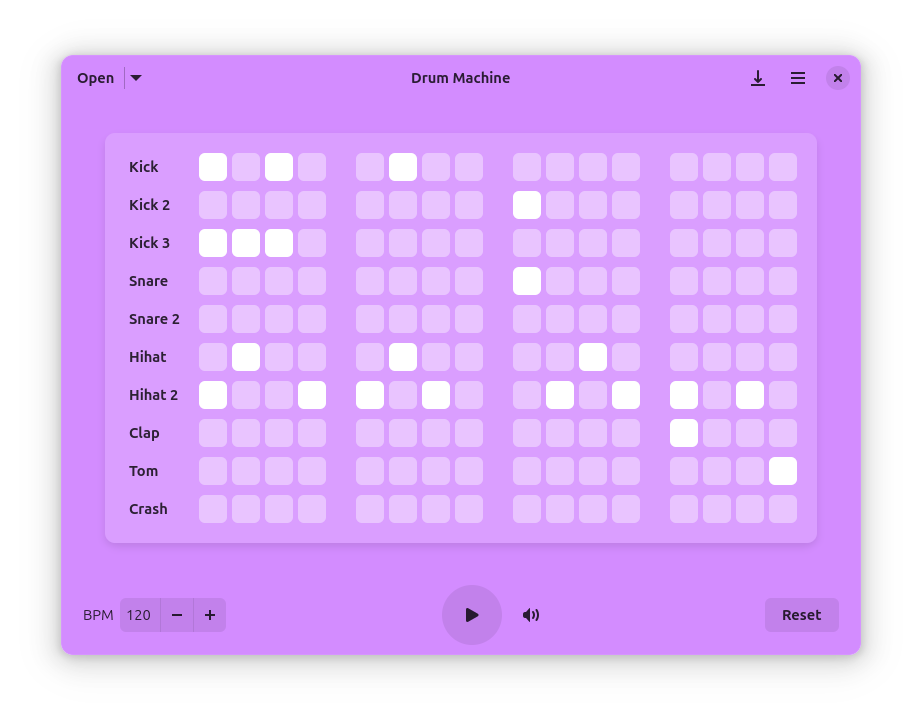
Discover Drum Machine for Linux. Read our review of this powerful beat-making tool, featuring multi-format export, custom samples, and MIDI support.
Finding a reliable, lightweight sequencer on Linux can be a challenge, but the Drum Machine beat creation tool by Revisto steps up to the plate with an exceptionally clean interface and robust feature set. Designed for electronic musicians, hobbyists, and producers alike, this desktop application streamlines the process of programming rhythms without the bloat of a full-scale digital audio workstation (DAW).
Streamlined Rhythm Programming on Linux
At its core, the Drum Machine beat creation tool operates on a highly responsive, grid-based pattern editor. Unlike basic step sequencers that limit your creative flow, this software offers infinite pages, allowing you to build complex, evolving arrangements. Whether you are laying down a simple metronome track or composing an intricate polyrhythmic backbone for a song, the workspace scales effortlessly to meet your creative demands.
Key Features of the Drum Machine Beat Creation Tool
- Infinite Grid Editor: Program complex patterns across multiple pages without hitting a hard sequence limit.
- Custom Sample Integration: Import your own audio files and utilize MIDI note mapping to assign custom sounds to specific triggers.
- Comprehensive Export Options: Save your creations in production-ready formats including WAV, FLAC, Ogg, MP3, and standard MIDI files.
- Flexible Audio Controls: Fine-tune your project with adjustable BPM controls and a master volume mixer.
- Metadata Tagging: Embed artist names, track titles, and cover art directly into your exported audio files.
Who is this Sequencing Tool For?
This software is an excellent fit for Linux users who need to quickly prototype rhythm tracks without launching resource-heavy software. Because it supports keyboard shortcuts for almost every function, advanced users can rapidly build beats entirely from their keyboard. The inclusion of classic built-in sounds—such as kick, snare, and hi-hat—means you can start composing the moment you open the application, while custom sample loading ensures you are never locked into a single aesthetic.
An Efficient, No-Nonsense Desktop Companion
Revisto has focused heavily on usability. The interface remains distraction-free, letting you focus entirely on the grid. With robust saving and loading capabilities, you can build a personal library of drum patterns and export them directly into your main DAW or hardware sampler. It is a highly focused utility that does one job—pattern sequencing—exceptionally well.
To experience this powerful sequencer firsthand and add it to your production toolkit, head over to the official Flathub store page to check out the app.