

MKVToolNix Review: The Ultimate Matroska File Editor
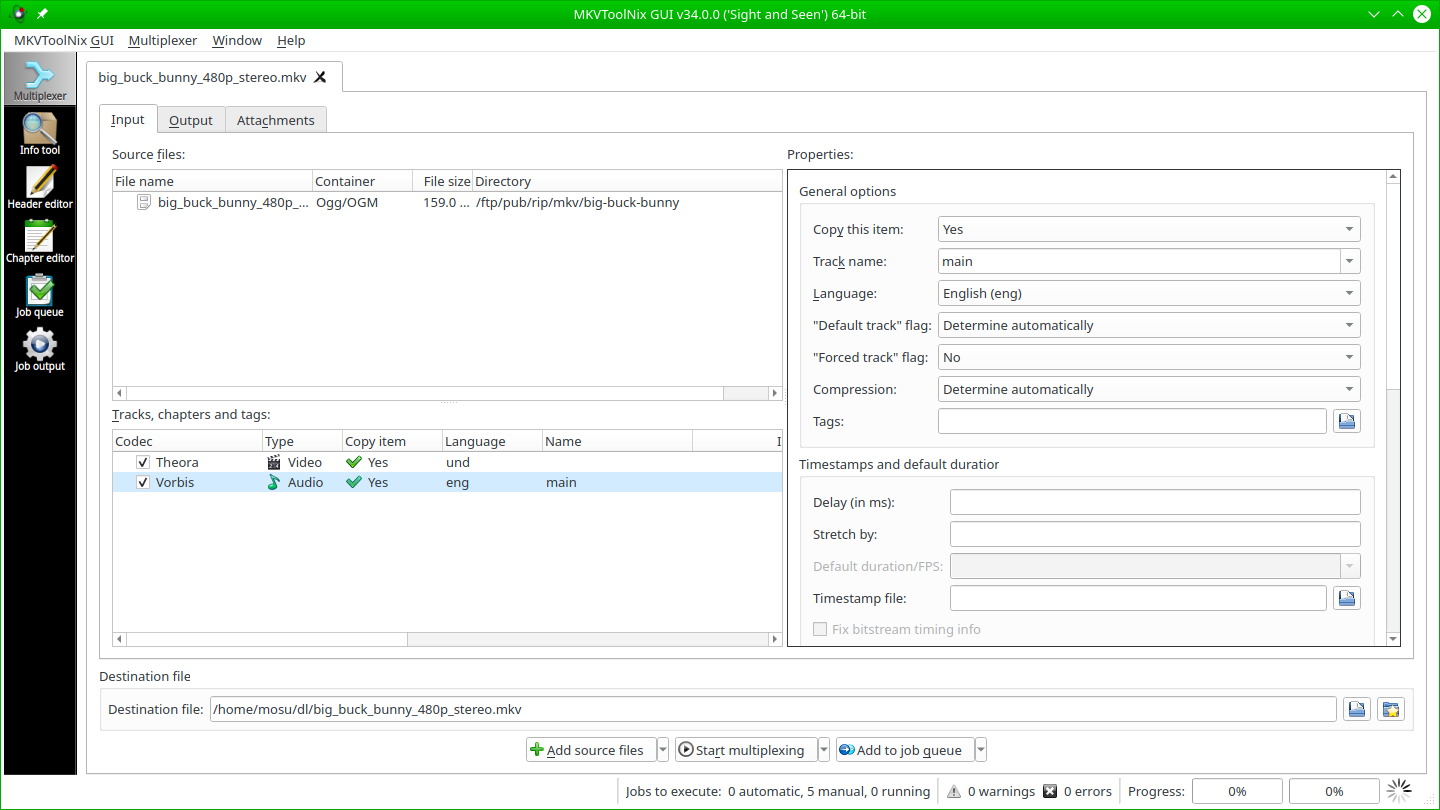
Read our comprehensive review of MKVToolNix, the essential open-source utility designed for editing, merging, and inspecting Matroska video files on Linux.
Imagine you have just finished backing up your physical media library, only to discover the audio track is slightly out of sync, or the default subtitle track is set to the wrong language. Re-encoding the entire video file would take hours and inevitably degrade the visual quality. This is exactly where the MKVToolNix Matroska editor becomes an indispensable asset in your software arsenal.
Developed by Moritz Bunkus, MKVToolNix is a highly specialized, free suite of tools designed specifically for the Linux platform. It allows users to modify, inspect, and package Matroska (.mkv) files instantly without touching the underlying video or audio streams, preserving original quality while saving precious time.
Why Choose the MKVToolNix Matroska Editor?
Unlike traditional video editors that decode and re-encode video frames, this utility operates on the container level. It acts as a digital packaging station, allowing you to swap out, add, or remove components inside the MKV container in seconds.
Key Features and Capabilities
- Lossless Multiplexing: Seamlessly combine video, audio, and subtitle tracks from different source files into a single, clean Matroska file.
- Header and Chapter Editing: Modify track names, language tags, default flags, and chapter points without rewriting the entire file.
- Precise Splitting and Merging: Cut large video files into smaller parts based on size or duration, or merge multiple parts back together.
- Detailed Extraction: Extract individual subtitle tracks or audio streams effortlessly for external editing.
Who Is This Tool For?
If you manage a personal home media server, archive high-definition content, or work frequently with multilingual subtitles, this software is tailored for your workflow. Its graphical user interface simplifies complex command-line operations, making advanced container manipulation accessible to both casual enthusiasts and seasoned power users on Linux.
Getting Started
Because it is open-source and community-driven, you can rely on its stability and lack of hidden monetization. To explore this powerful utility and add it to your media toolkit, head over to the official Flathub store page to get the application for your Linux distribution.