

MiniPlay for Spotify & iTunes
Discover how MiniPlay for Spotify & iTunes streamlines your macOS audio experience. Read our full review of this elegant Notification Center music controller.
The Hassle of Desktop Music Management
Picture this: you are deep in your workflow, coding, writing, or designing on your Mac, when an underwhelming track starts playing. To skip it or check the artist, you have to interrupt your momentum, find your minimized media player, and click through the interface. If you constantly jump between different audio platforms, this minor friction becomes a daily annoyance. The MiniPlay for Spotify & iTunes utility solves this exact problem by putting complete playback control right where you need it.
What is MiniPlay for Spotify & iTunes?
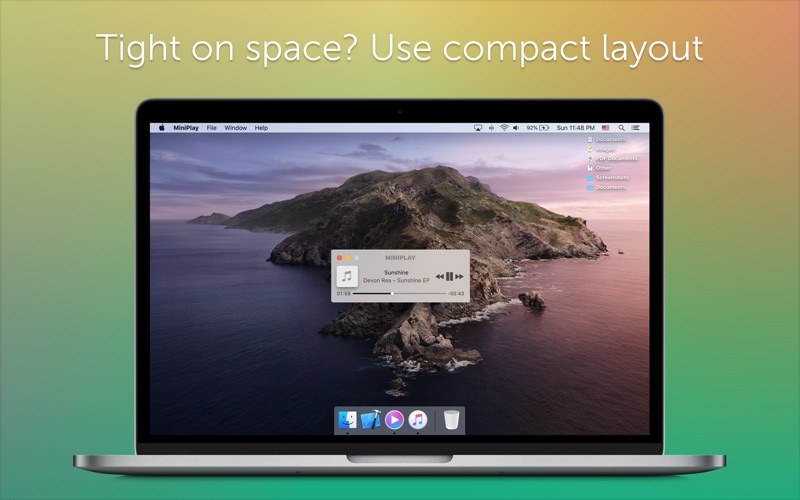
Developed by Iryna Stas, MiniPlay for Spotify & iTunes utility is a lightweight macOS media companion designed to unify your desktop listening experience. Instead of forcing you to toggle between separate application windows, this media tool bridges the gap between Spotify and iTunes (including Apple Music) inside a single, compact hub. It serves as an elegant, unobtrusive dashboard for your active audio streams.
Key Features and Functionality
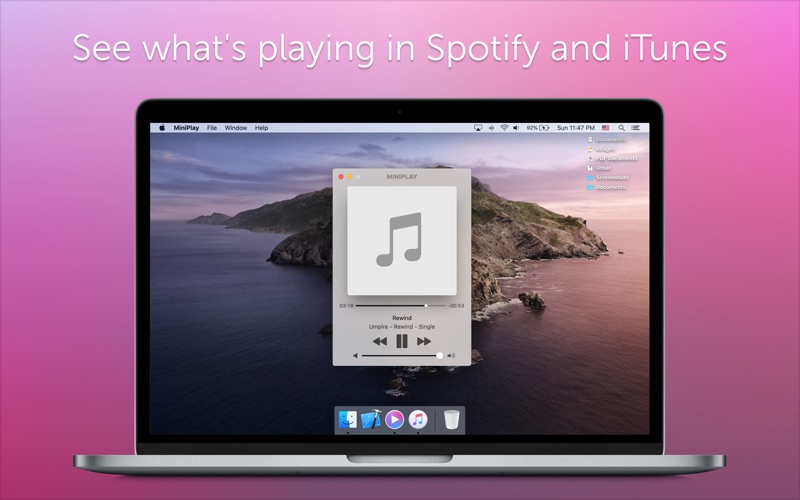
- Unified Media Control: Easily adjust your sound volume, play, pause, or skip tracks across different active music services without switching windows.
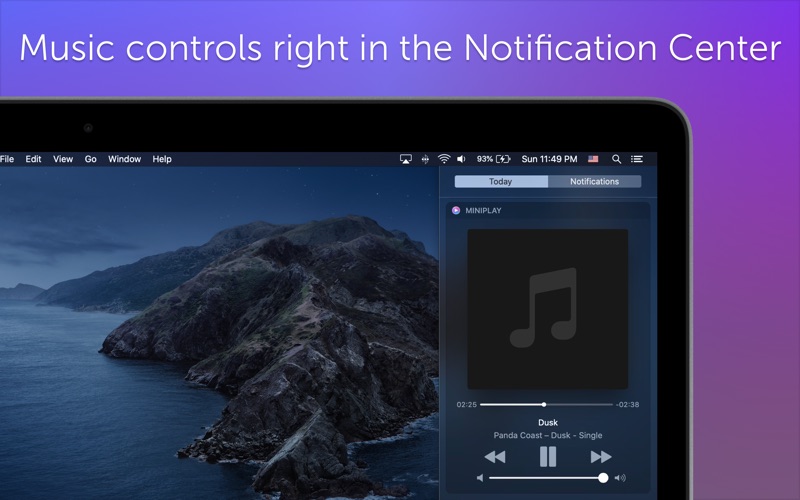
- Notification Center Integration: Keep track of your audio queue directly from the macOS Notification Center for a truly integrated system feel.
- Album Art Previews: View full-sized, high-quality album artwork directly within the mini-player interface.
- Early Apple Music Support: Notable as a pioneering third-party application to support Apple Music and Beats 1 integration.
Who is this Mac Utility For?
This application is highly recommended for macOS power users who keep music running in the background all day. If you maintain curated playlists on Spotify but also rely on iTunes or local files, the MiniPlay for Spotify & iTunes utility keeps your desktop clean and your focus sharp. It eliminates window clutter and streamlines your interaction with background audio.
Our Editorial Verdict
For Mac users seeking a minimalist aesthetic and quick utility, this tool delivers exactly what it promises without unnecessary feature bloat. It respects your screen real estate while keeping you in complete command of your soundscape. To integrate this sleek controller into your daily desktop setup, head over to the official Mac App Store to get started.