FTP Client Pro!
Read our comprehensive review of FTP Client Pro! to see how this Windows application simplifies secure remote file management and server synchronization.
An Efficient Windows Utility for Network File Transfers
Managing remote servers requires a tool that balances speed with straightforward usability. FTP Client Pro! remote file transfer software provides Windows users with a dedicated environment to handle multiple server configurations without unnecessary complexity. Developed by herbert Studio, this utility is tailored for web administrators, developers, and IT professionals who need to move assets between local machines and network servers reliably.
Key Capabilities of FTP Client Pro!
This software focuses on the core essentials of network file management. Rather than overwhelming users with bloated menus, it streamlines the primary actions required during daily server maintenance:
- Multi-Configuration Management: Save and organize various FTP server profiles to switch between different hosting environments rapidly.
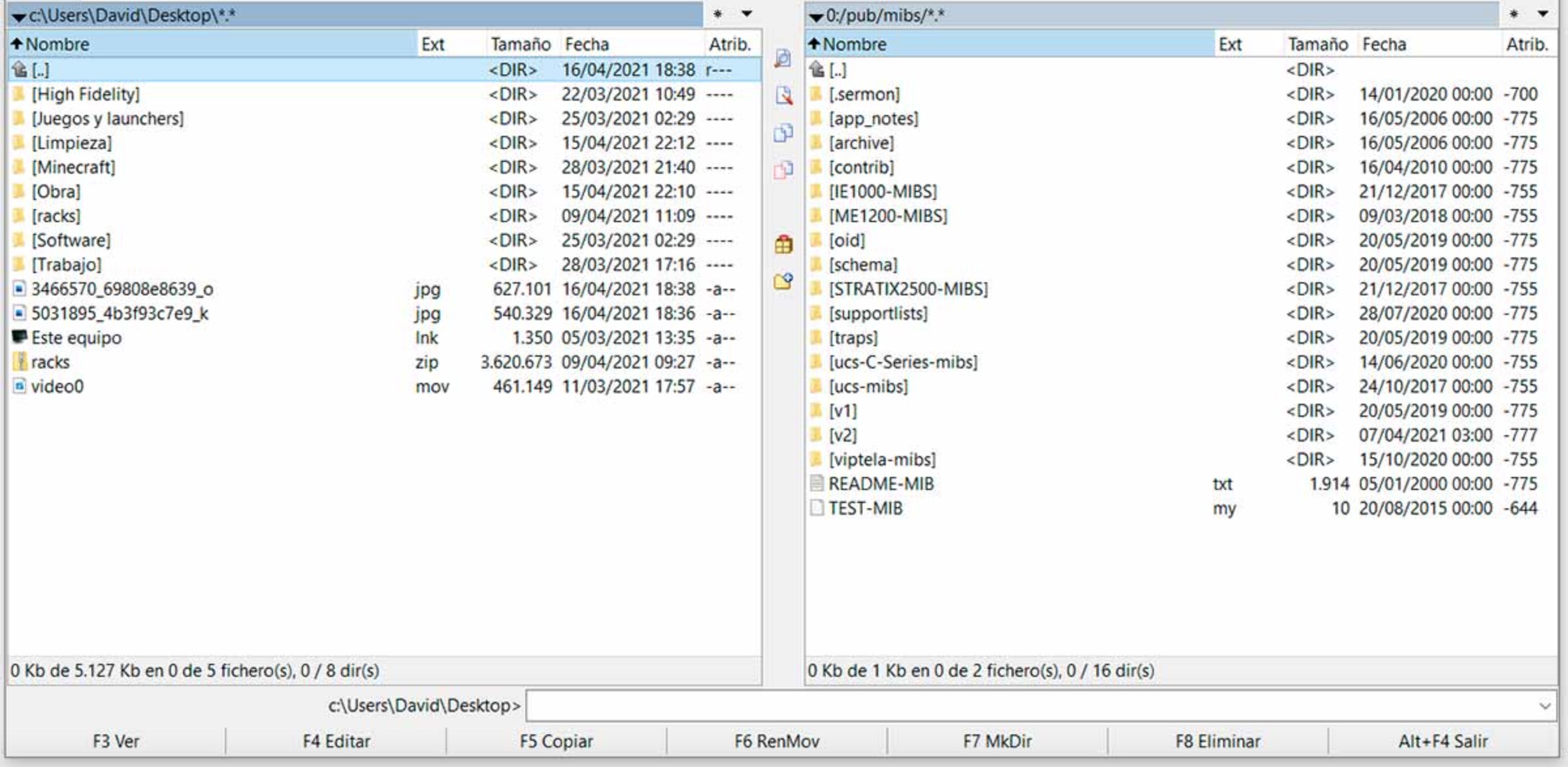
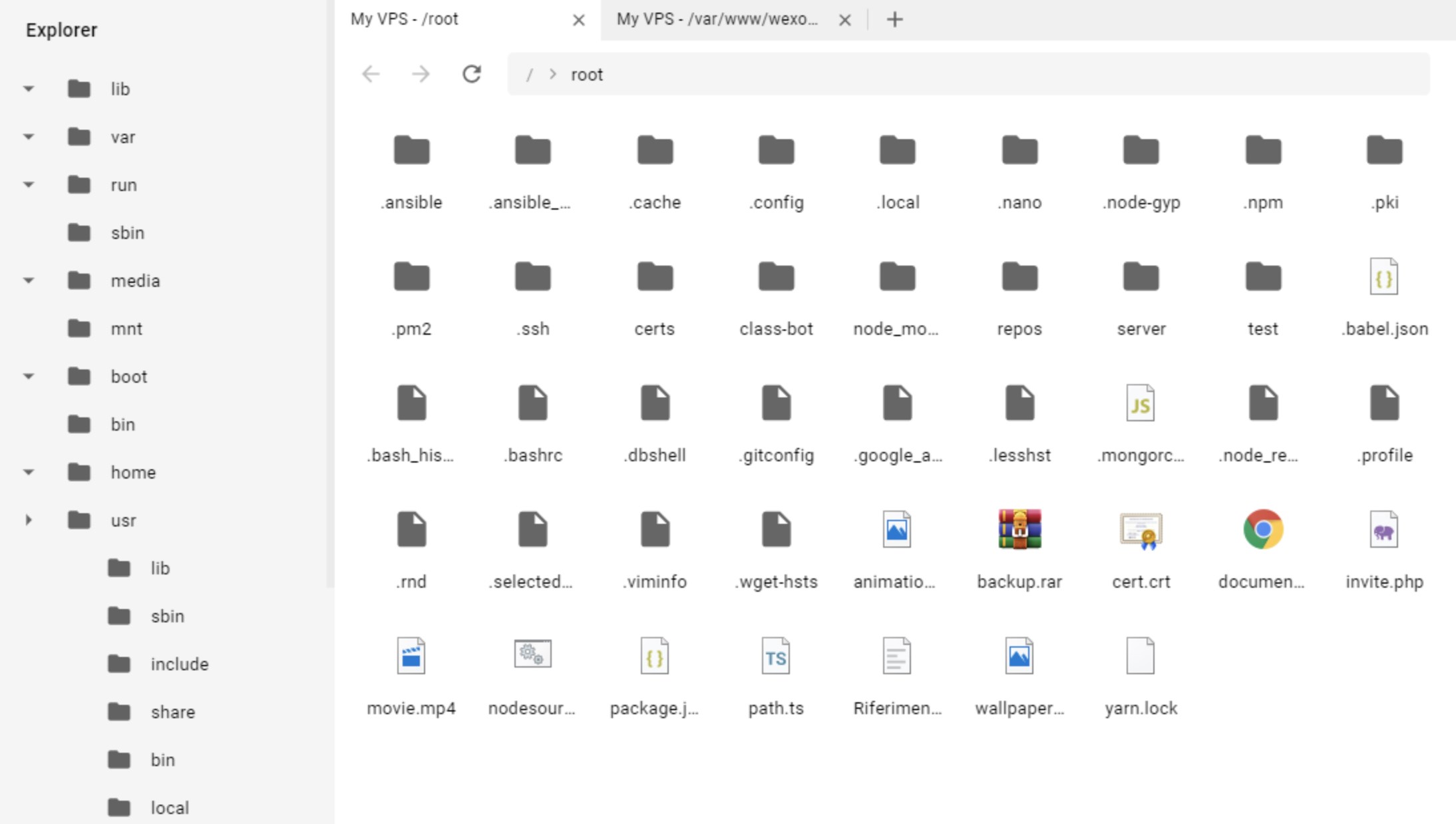
- Dual-Browser Functionality: Navigate your local storage and the remote directory side-by-side to make comparisons and transfers intuitive.
- Comprehensive File Operations: Execute essential commands including downloading, uploading, synchronizing directories, and sharing files directly from the interface.
Who Benefits Most From This Tool?
If you are a freelance web developer managing client sites, or an IT administrator overseeing regular backups, the FTP Client Pro! remote file transfer tool offers a clean workspace. It eliminates the steep learning curve often associated with enterprise-grade command-line tools, making it highly accessible for users who want to perform routine synchronization tasks without hassle.
Streamlined and Reliable Performance
By focusing on a lightweight footprint for the Windows platform, the application ensures that file queues move quickly without draining system resources. The straightforward directory browsing allows you to drag, drop, and update files on your remote server in a highly uncomplicated manner, keeping your daily workflow productive and structured.
Get Started on the Official Store
If you are looking for a dependable, no-nonsense utility to manage your server assets on Windows, this application is worth consideration. To explore its features further or to purchase the utility, head over to the official Microsoft Store page to get started.