FTP Manager
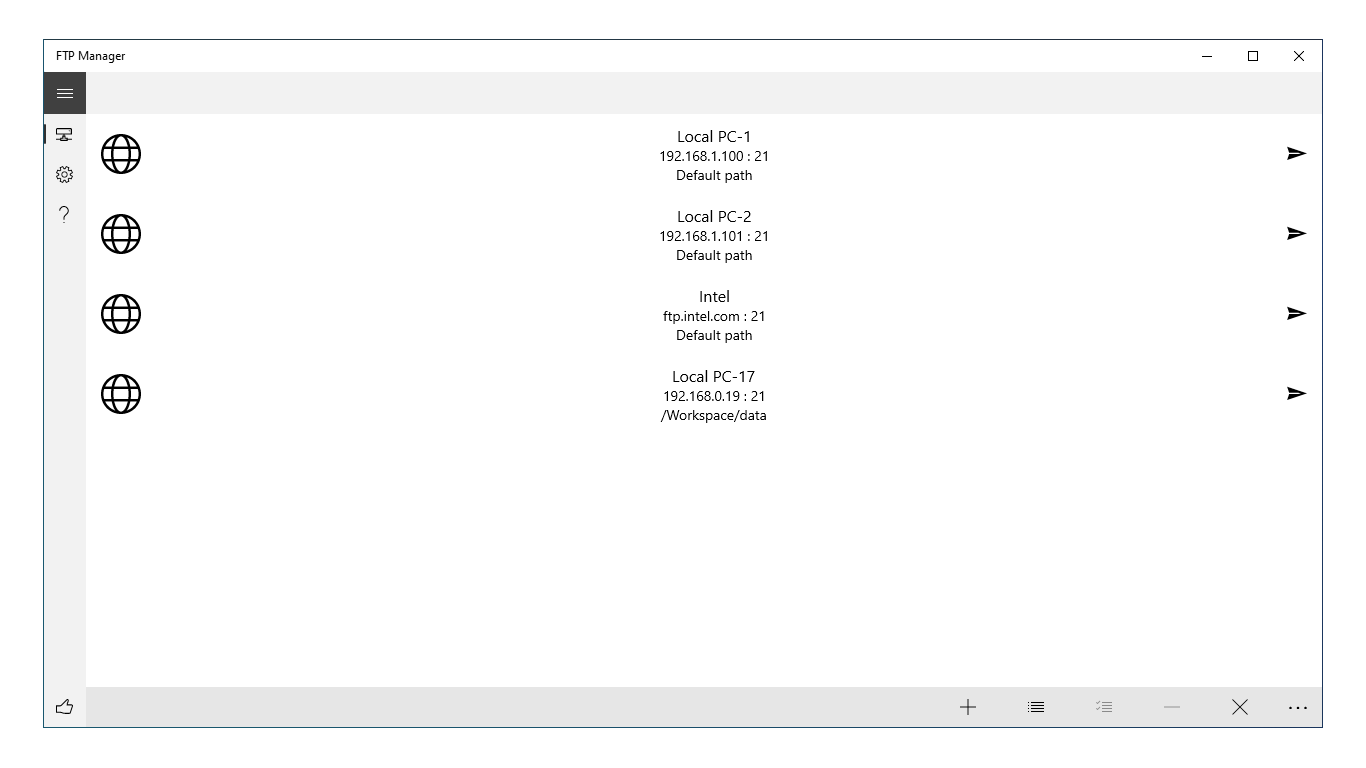
Read our comprehensive review of FTP Manager for Windows. Discover how this tool simplifies remote file transfers with secure FTPS encryption.
A Practical Approach to Remote File Management
Managing remote servers often requires a tool that balances simplicity with robust security. The FTP Manager file transfer tool is a dedicated Windows application designed to streamline how you interact with remote directories. Developed by Sergey-2025, this utility focuses on real-time file operations without the clutter of over-engineered enterprise suites, making it an excellent option for daily server maintenance.
Core Functions: What You Can Actually Do
Instead of navigating complex command-line interfaces, this application provides a visual environment to handle your data. Here is what you can accomplish with the FTP Manager file transfer tool on a daily basis:
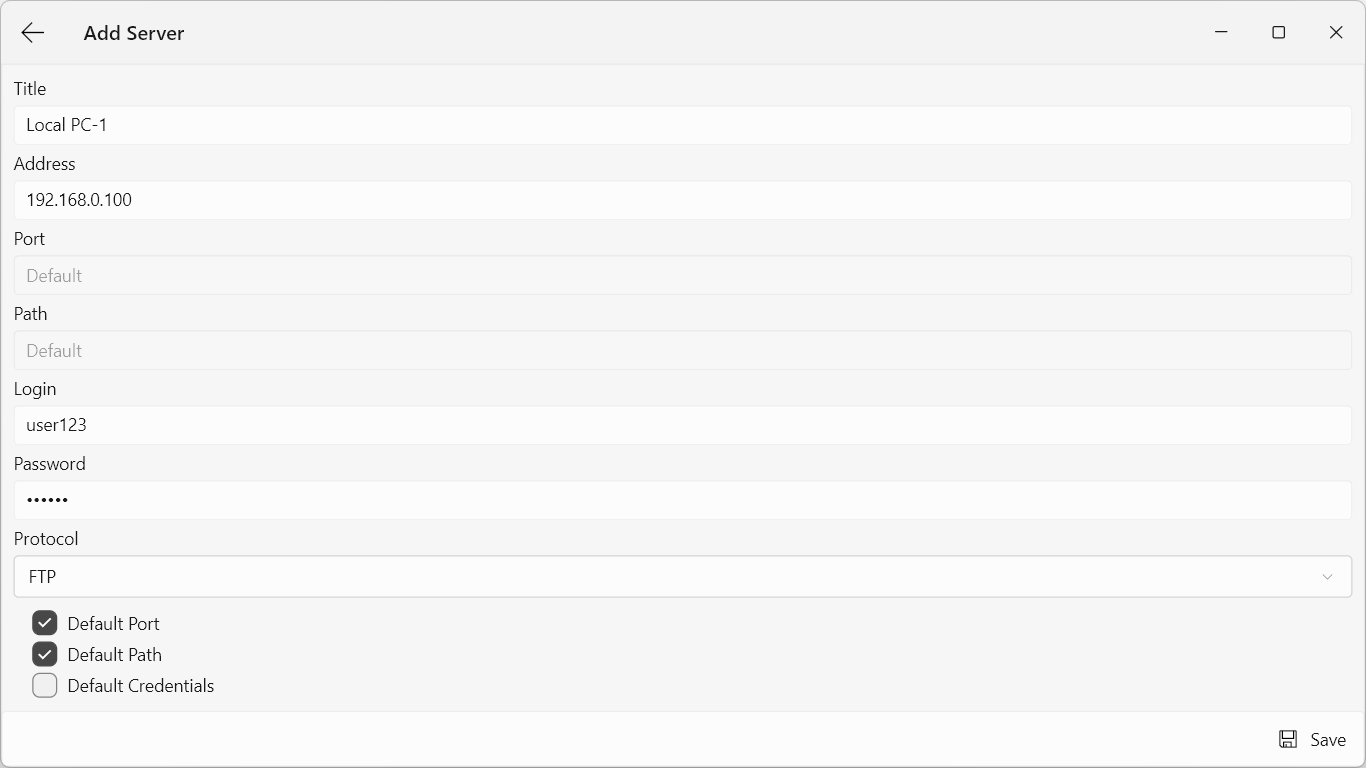
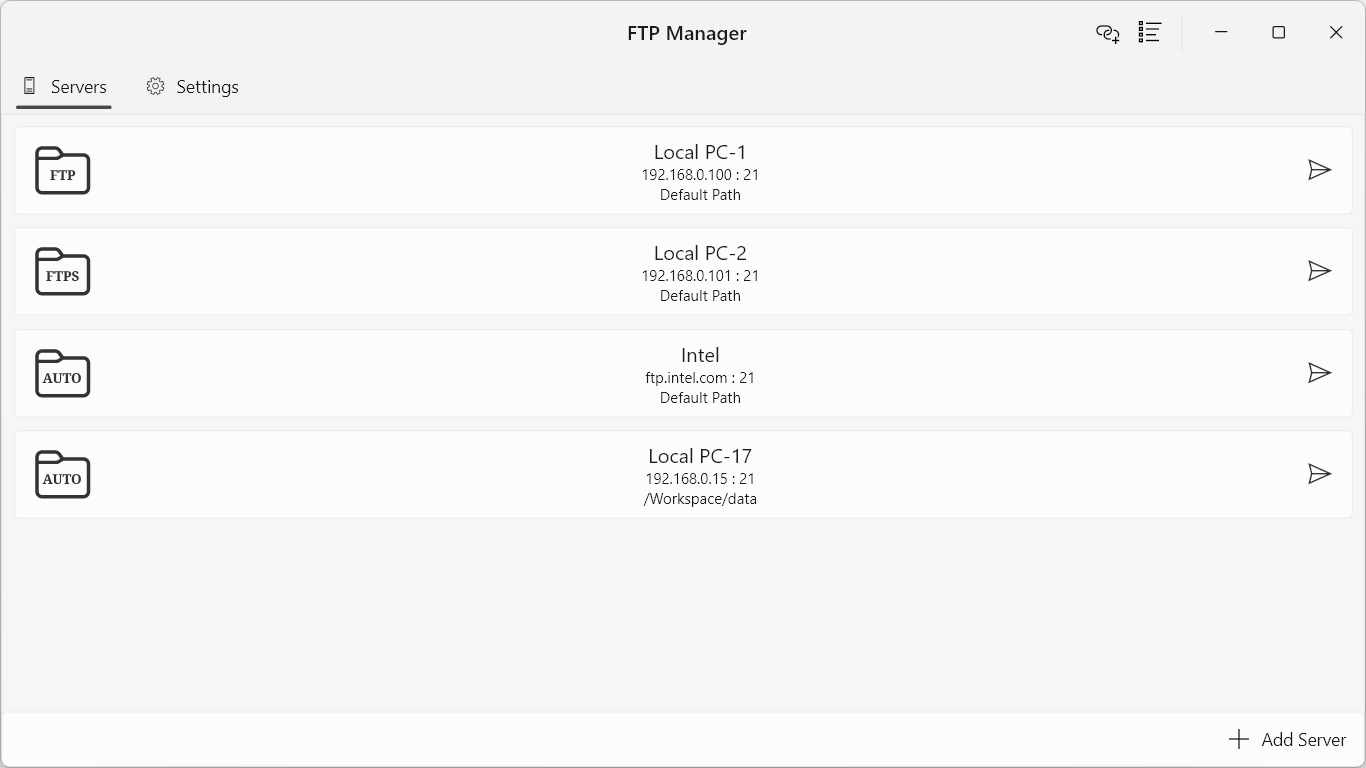
- Direct Server Connections: Quickly establish links to remote storage using standard FTP or secure FTPS protocols.
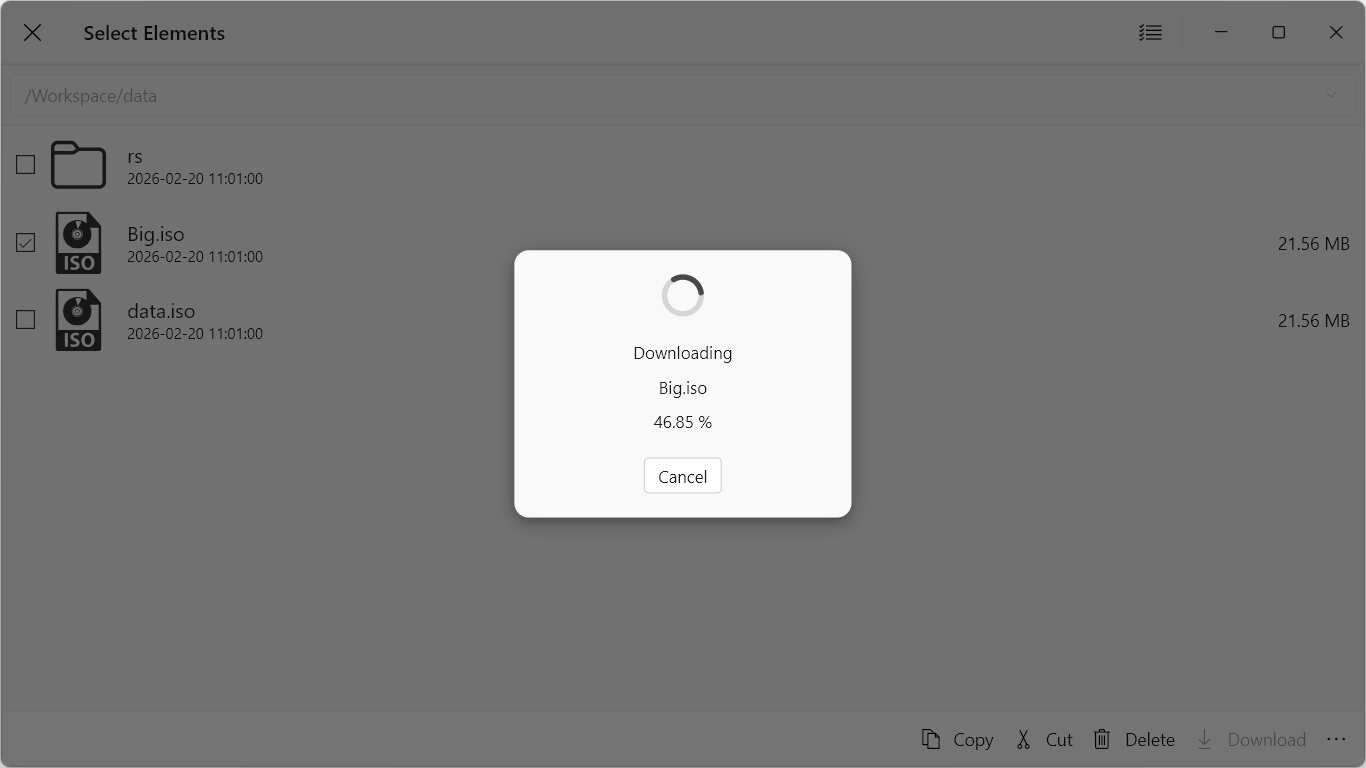
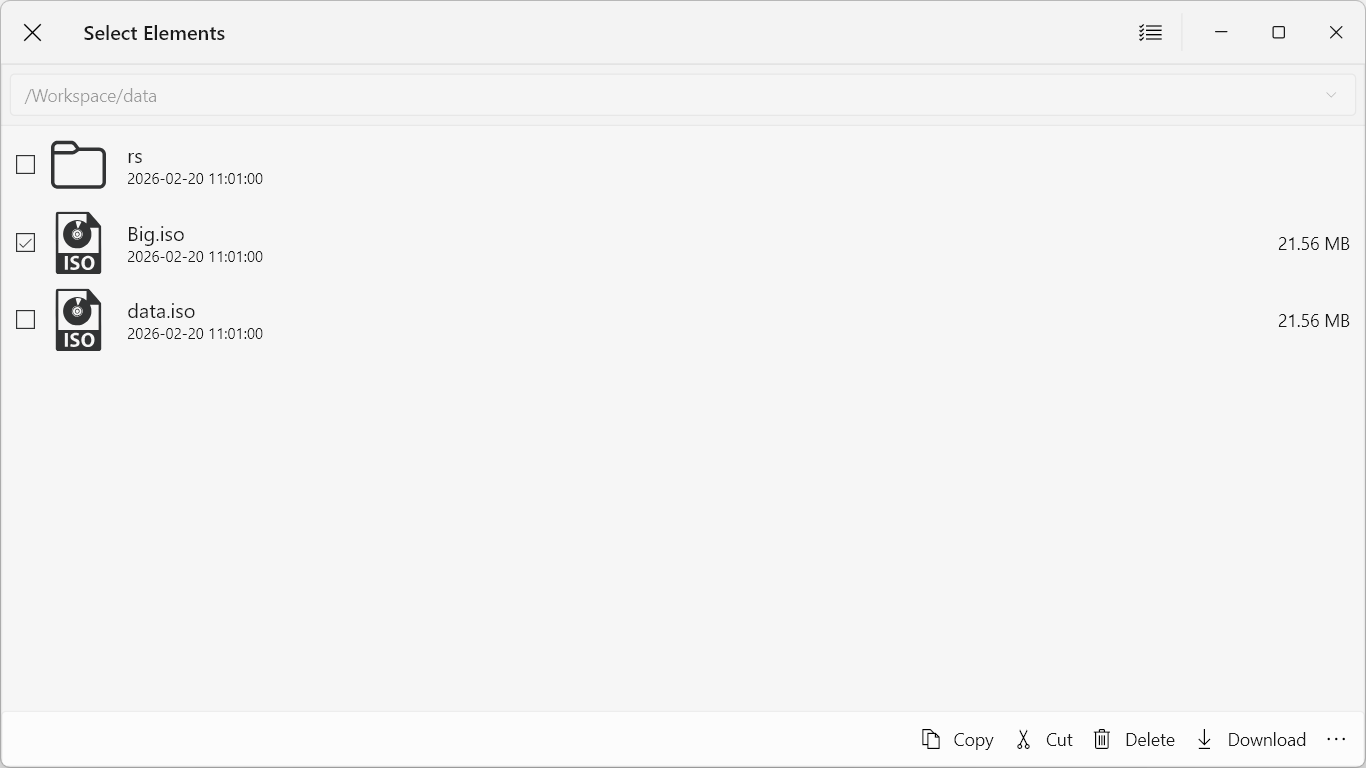
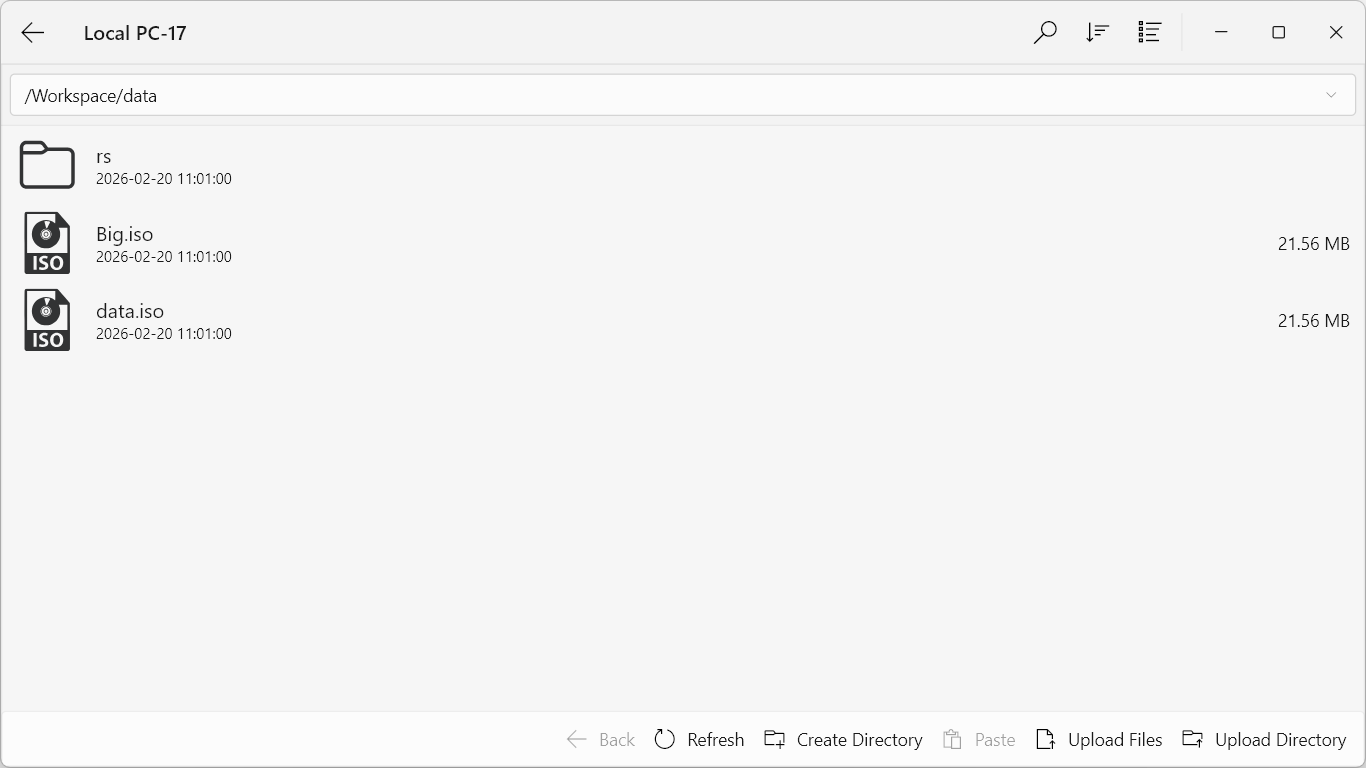
- Real-Time File Manipulation: Upload local assets, download server logs, and manage directory structures on the fly.
- Essential File Operations: Execute fundamental tasks such as copying, moving, renaming, and deleting files directly on the remote server.
- Secure Data Migration: Protect your sensitive credentials and files during transit with support for both explicit and implicit FTPS encryption.
Who Benefits Most From This Tool?
The FTP Manager file transfer tool is tailored for users who need straightforward, reliable server access. Web developers uploading code updates, system administrators modifying configuration files, and power users managing personal cloud storage will find the interface highly practical. Because it runs natively on Windows, it integrates smoothly into your existing desktop workflow.
Our Editorial Verdict
If you need a lightweight, functional program that does not compromise on transport security, this software delivers on its core promises. It avoids unnecessary configuration hurdles, allowing you to connect and start organizing your remote files immediately. To explore its features firsthand, you can find the application listed on the official Microsoft Store.